If Aadhaar is Lost, Then Download it Like This, Learn Here Step By Step The Right Process
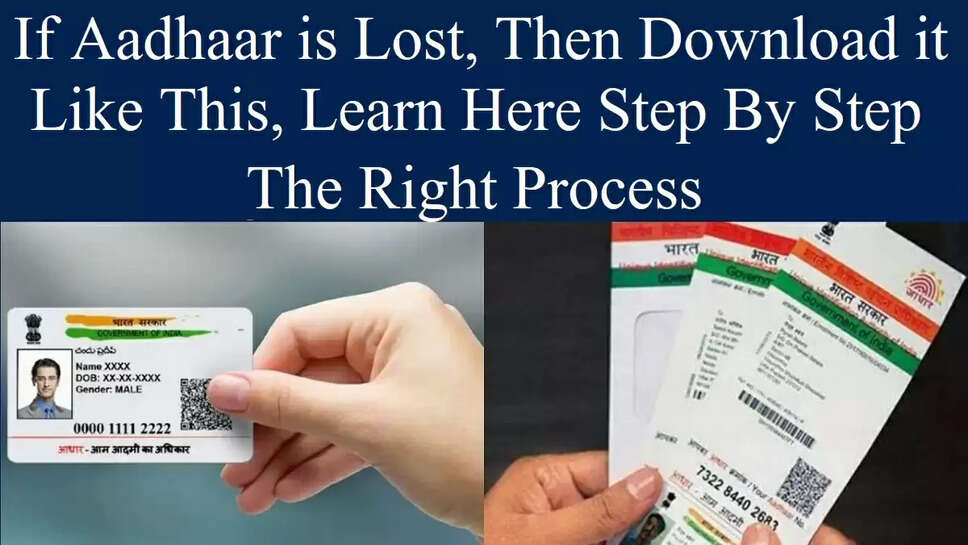
Yuva Patrkaar, New Delhi : If you have lost your Aadhaar card. or damaged for some reason. So there is no need to worry. Today we tell you that method. From which you can download Aadhar PVC card. You must be aware that the Unique Identification Authority of India (UIDAI) issues Aadhaar cards to citizens in the country. Also, there are many options to download Aadhaar card.
To download Aadhaar, 12 digit Aadhaar number or 28 digit Enrollment ID number is required. If your Aadhaar has disappeared. And you do not have his number or Enrollment ID number. So no need to worry. You can download e-Aadhaar even without these two numbers. To download e-Aadhaar, you must first retrieve the Enrollment ID.
Read More - Mahindra's Best Selling SUV Scorpio Will Soon Get a New Look
How to get Enrollment ID-
- To get the Enrollment ID, first of all visit the official website of UIDAI.
- Then select the Get Aadhaar option on your mobile phone.
- After this click on Enrollment ID Retrieve option.
- After that fill all your details and click on send OTP option.
- After this you will get OTP on the registered mobile number which you have to enter.
- Then you will get Enrollment ID or Aadhaar number on your number.
Read More - Tata Nano Electric 2023: People's Dream Car Tata Nano Coming in Electric Look
How to download Aadhaar card
- To download Aadhaar, first of all visit the official website of Aadhaar.
- After this you click on the download Aadhaar option.
- After this enter your Aadhaar number or Enrollment ID.
- After this enter your registered mobile number.
- After this enter OTP.
- Your e-Aadhaar will be downloaded. Take a print out of it.
Follow Us on Google News - Click For Latest News